
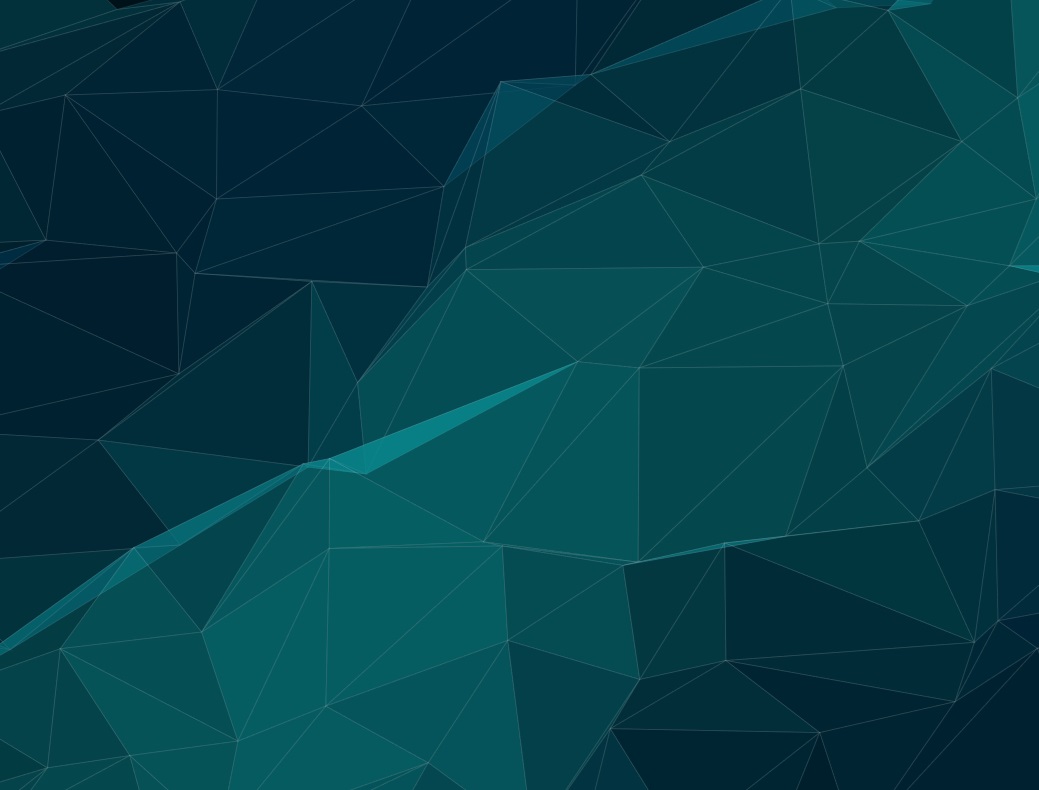
Crafting Dynamic Visuals: Inside the Low-Poly Mesh Generator
In modern web design, static backgrounds are increasingly being replaced by organic, moving textures that provide depth without distracting from the content. This Parametric Mesh Generator is a lightweight tool designed to create high-performance, animated low-poly backgrounds using the HTML5 Canvas API.
🚀 Overview
The Mesh Generator allows users to manipulate a coordinate-based grid of points that "drift" over time. By triangulating these points and applying dynamic color shifts, the engine creates a fluid, morphing surface.
Key Features:
- Real-time Parametric Control: Adjust drift, speed, and opacity on the fly.
- Post-Processing Filters: Built-in support for Blur, Brightness, Saturation, and Hue rotation via CSS filters.
- Smart Export: Download a standalone, production-ready
.htmlfile or copy the configuration object to sync with existing projects. - Responsive Design: The engine automatically recalculates the grid and canvas dimensions on window resize.
🛠 How It Works
The technical soul of the application lies in its Animation Engine. Unlike heavy video backgrounds, this mesh is computed frame-by-frame, ensuring crisp resolution on any screen size.
1. The Coordinate Grid
The generator creates a 10x10 grid of points. Each point is assigned a unique random offset and speed:
- Origin: The static "home" of the point.
- Drift: How far the point is allowed to travel from its origin.
- Phase: Random values using $Math.PI$ to ensure no two points move in perfect sync.
2. Triangulation and Rendering
The engine iterates through the grid, connecting neighboring points into triangles. Every frame, the wallpaperDrawTriangle function calculates:
- Morphing Colors: A sine-wave based interpolation between defined color sets.
- Dynamic Alpha: Subtle opacity shifts that mimic light reflecting off a surface.
3. The CSS Filter Stack
One of the most powerful features of this tool is the integration of CSS filters on the canvas wrapper:
filter: blur(px) brightness(%) saturate(%) hue-rotate(deg);
This allows for "dreamy" aesthetics or high-contrast, neon looks without needing to perform complex math on individual pixels in JavaScript.
📥 Deployment and Syncing
The app is built with a "Developer-First" workflow in mind, making it easy to move from the editor to a live production environment.
Standalone Export
When you click "Download Project Engine", the app generates a Blob containing a minified version of the core engine. This process strips away the UI, sliders, and settings panel, leaving you with a single, lightweight file that is perfect for landing pages or app backgrounds.
The cfg Sync
If you already have the engine integrated into a project, you don't need to re-download the file to update the look. The "Copy Settings Only" feature exports the current state as a JSON object:
const cfg = {"speed": 1.0, "drift": 60, "opacity": 0.4, "colors": [...]};
Simply find the configuration line in your existing code and paste this new string over it to instantly sync your new visual style.
💡 Use Cases
- SaaS Landing Pages: Add a professional "high-tech" feel to hero sections without the weight of video files.
- Loading Screens: Keep users engaged with subtle, hypnotic movement that feels alive.
- Portfolio Backgrounds: Create a unique visual identity that reacts to the browser environment and maintains performance.
This generator proves that you don't need heavy libraries like Three.js to create compelling, high-fidelity motion graphics for the web.